
This release brings enhanced PDF reports with log file analysis, a new theme preference system, and a comprehensive visual design refresh – what we’re calling the “Facelift.”
New Features
Log File Analysis in Reports
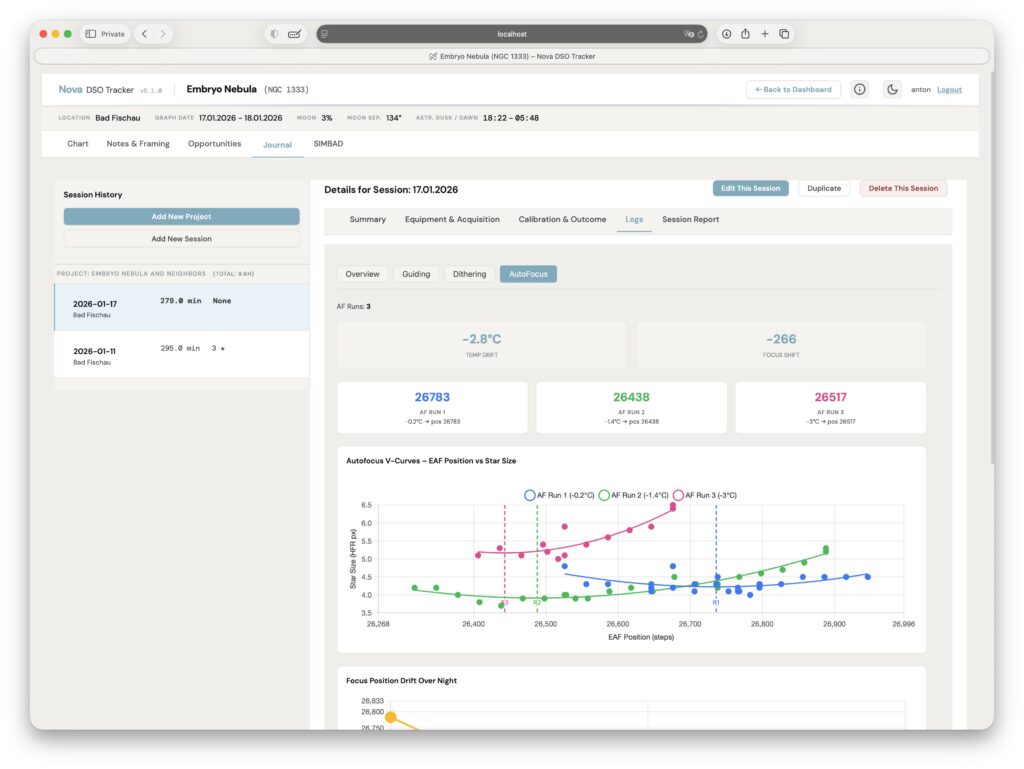
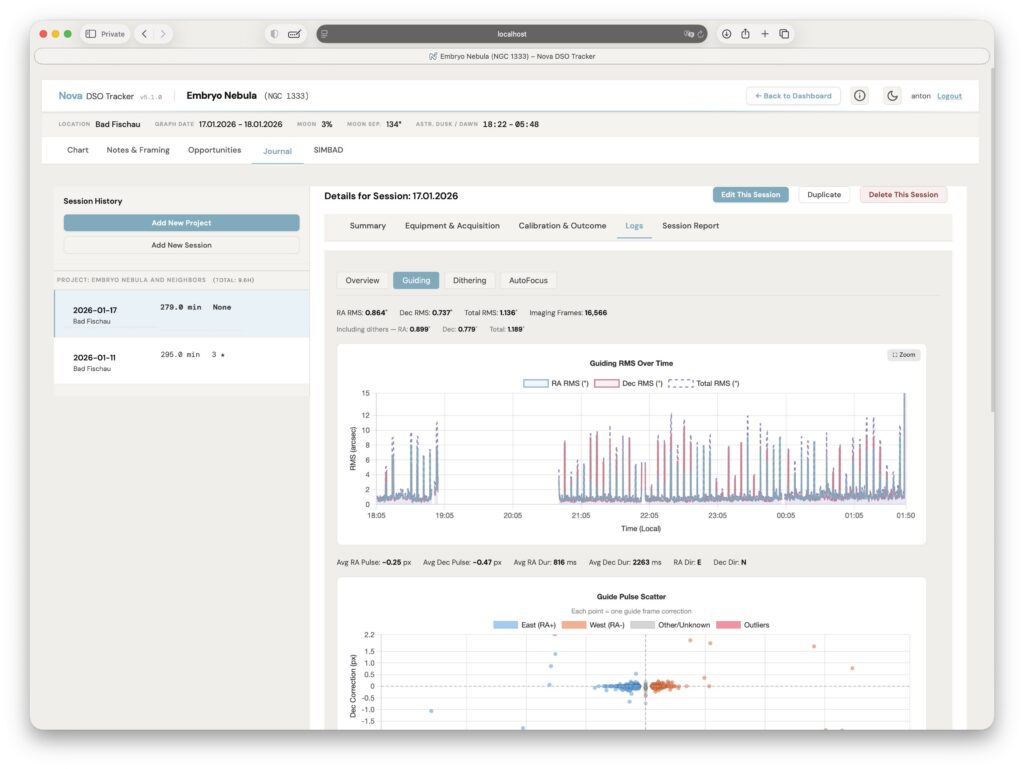
Session and project PDF reports now include charts and analysis from imported log files (ASIAIR, PHD2). When you’ve imported log data for a session, the generated report will automatically include guiding performance graphs, exposure statistics, and environmental data alongside your session notes.
About Modal
A new branded About modal is available from the header.
Theme Preference Setting
A new Theme option in configuration lets you choose your preferred appearance:
- Light – Always use light mode
- Dark – Always use dark mode
- Follow System – Automatically match your operating system preference (default)
This replaces the simple toggle with a persistent preference that syncs across sessions.
Bug Fixes
- Login flow – Fixed “Data Load Failed: 404” error that appeared after logging in from guest mode. The dashboard now correctly loads the authenticated user’s data instead of using stale guest-mode location values
- PDF Reports: Fixed multiple rendering issues:
- Prevented premature page breaks that split content awkwardly
- Removed unwanted border from master images
- Eliminated empty pages that appeared in some exports
- Journal sub-tab bar – Now adapts properly to browser zoom levels
- Dashboard – Removed duplicate “calculating” message on initial page load
- Autofocus tab – Constrained width to prevent layout overflow
- Simulation mode – Prevented redundant data fetch when activating
Improvements
- Print/PDF behavior – Improved page break handling throughout reports for better print output
- Session notes images – Constrained image sizes in PDF reports to prevent oversized exports
Upgrade Notes
- No database migration required
- No configuration changes required – existing
.envfiles remain compatible - Your previous theme toggle state will be preserved; visit Configuration → Theme to set a new preference
Thanks for using Nova DSO Tracker! As always, feedback is welcome – please report any issues on GitHub.